

Are you looking to view Instagram without an account in 2025? Whether you want to browse a public profile, check out viral posts, or simply see Instagram stories without signing up, you’re not alone. Instagram’s login wall can be frustrating, especially for those just wanting a peek at public profiles or content. Fortunately, there are easy, legal, and anonymous ways to access most public Instagram posts and stories — no registration (or app download) required.
In this comprehensive guide, discover step-by-step methods, trusted tools, and essential privacy tips for viewing Instagram without an account. We’ll also answer popular questions, unpack the limitations, and recommend services to help take your online social experience further. Let’s dive in!
Can You Really View Instagram Without an Account?
Yes, you can view Instagram without an account, but only for public profiles and posts. Instagram restricts many features to encourage sign-ups, but by using direct profile links, search engines, or third-party browsing tools, you’re able to see most public content without logging in.
The experience does have limits — for example, you can’t like, comment, message, or interact with posts, and private profiles remain completely off-limits unless approved by the user. Still, for curiosity, research, or inspiration, these no-login methods get the job done!
Quick Comparison: Best Ways to View Instagram Without an Account
| Method | Can View Stories? | Pros | Cons |
|---|---|---|---|
| Direct Instagram Profile URL | No | Fast, simple, no third-party needed | Limited to recent posts, popup may block after scrolling |
| Third-party IG Viewer (e.g., Inflact, AnonyIG) | Yes (if public) | Stories, posts, highlights, and reels; often downloadable | Some have usage limits; beware scams |
| Google Search (site:instagram.com) | No | Great for keyword-based discovery, no tracking | Only works for indexed, public content |
Let’s break down each approach — including free tools, screenshots, and pro tips.
Method 1: View Public Instagram Profiles via Direct URL
One of the simplest ways to see Instagram without an account is by typing the public profile’s direct URL into your browser:
Format: instagram.com/username
Example: https://www.instagram.com/nasa/
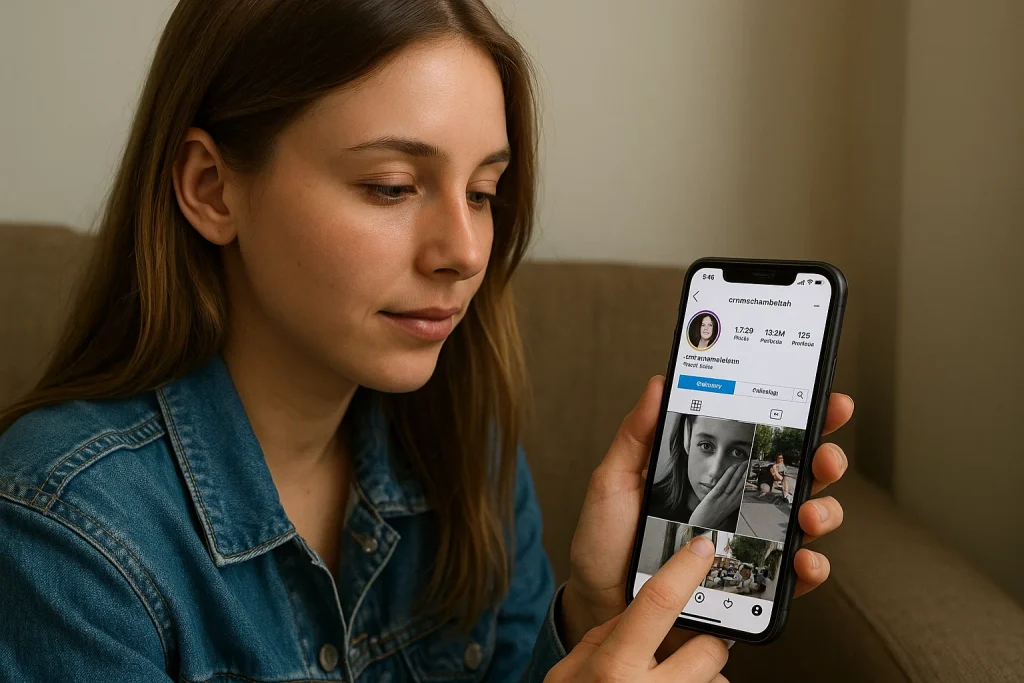
You’ll see the profile’s bio, profile picture, and a grid of recent posts. Right-click to open individual posts in a new tab. Note that after a few scrolls, Instagram may prompt you to log in — simply close the pop-up and continue browsing, if possible.
Limitations
– No access to Instagram Stories, highlights, or private content
– After viewing several posts, a login prompt may appear
– Cannot like, comment, or follow
Method 2: Use Anonymous Instagram Viewer Tools
A range of reputable online tools allow browsing Instagram without an account and even viewing public stories, reels, and highlights. Here are the most reliable options:
- Inflact: Instantly view any public profile — posts, stories, reels, and highlights — 100% anonymously. Just enter the username, and explore without logging in.
- AnonyIG: Provides anonymous, ad-free browsing for stories, reels, profile pictures, and highlights on any public Instagram account. No registration or software download required.
- Path Social: Great for viewing and downloading posts from public Instagram users. Includes additional free IG analytics tools.
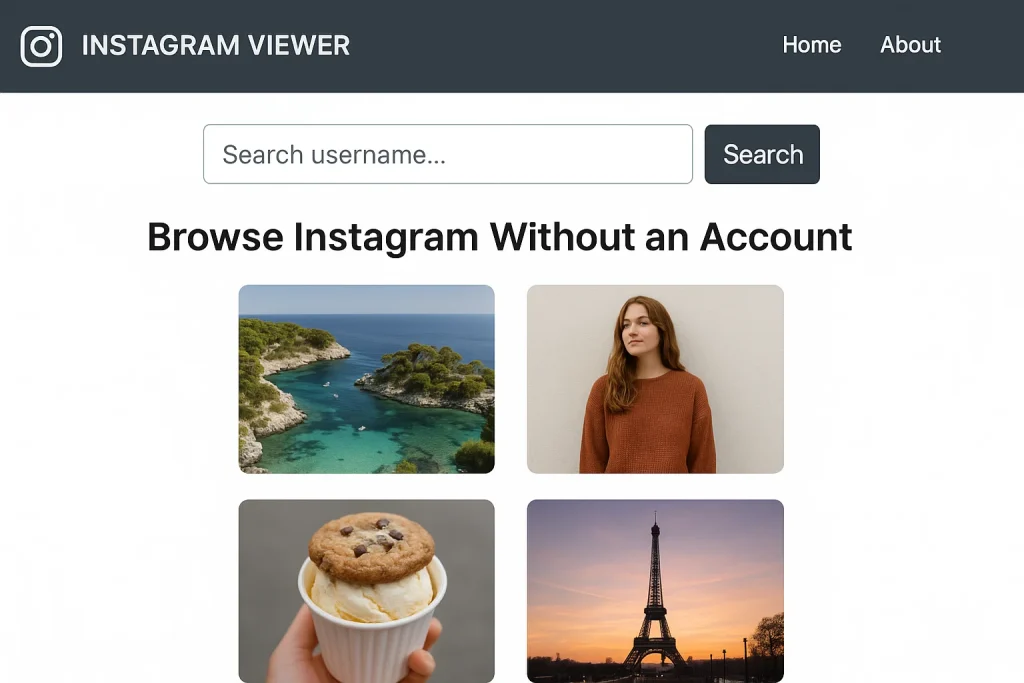
How to Use a Third-Party Instagram Viewer:
- Go to the viewer’s website (see above).
- Enter the Instagram username, hashtag, or profile link.
- Browse available public stories, posts, and highlights. Many tools offer download buttons for saving images or videos.
Important: Always use trusted, reviewed tools. Never enter your own login credentials on a third-party IG viewer site.
Benefits
– 100% anonymous: Your view doesn’t appear in story or post analytics.
– No account or app needed.
– Can often download stories/posts in one click.
– Mobile and desktop support.
Method 3: Search Instagram Public Content via Google
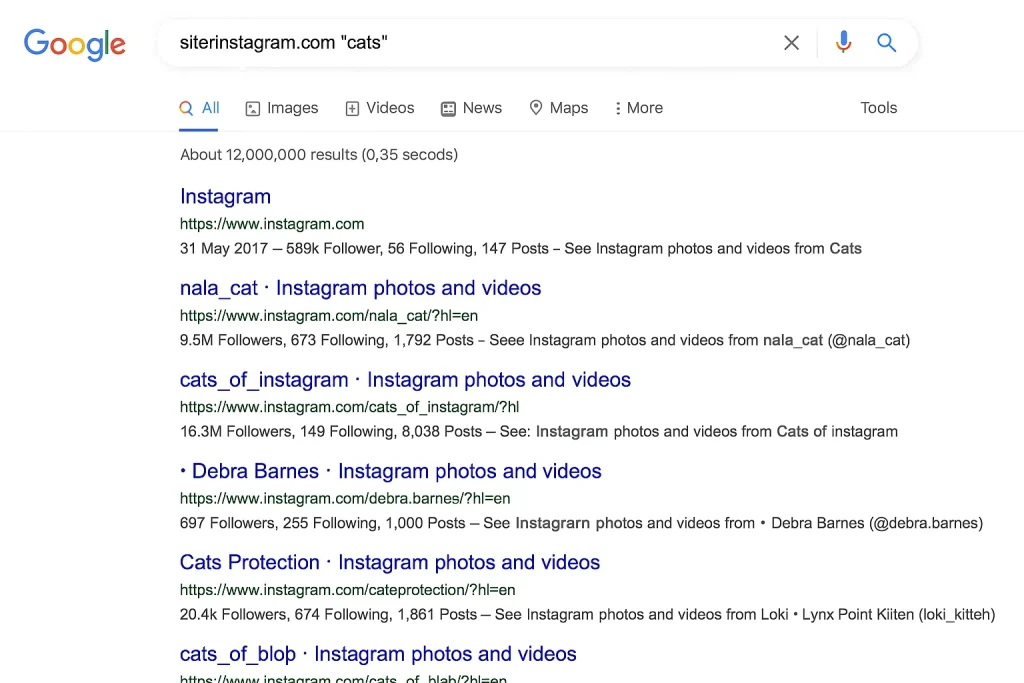
If you want to discover posts or users by keyword — without knowing their username — Google’s advanced search can help:
Example search: site:instagram.com your keyword
This searches all publicly indexed Instagram pages related to your keyword or topic.
Why Use This Method?
– Quickly surface public content by topic or hashtag.
– No need for any account or browser fingerprint.
– Works with keywords, names, and even hashtags (e.g., site:instagram.com #travel).
What Can’t You Do Without an Instagram Account?
While there are robust ways to view Instagram without an account, there are important limitations:
- Cannot access private profiles or their posts/stories.
- Cannot like, comment, DM, or follow accounts.
- No access to personalized Explore page or trending topics inside the Instagram app.
- Viewing may be stopped after a number of actions, depending on the method.
For organizations, researchers, or brands seeking deeper insights (analytics, competitor tracking, influencer outreach), creating a business account is still essential.
Frequently Asked Questions About Viewing Instagram Without an Account
Is it legal to use Instagram viewers?
Yes, as long as you only access public content and do not attempt to bypass privacy settings, you are acting within Instagram’s terms. Avoid any viewer promising private content or requiring your own login credentials.
Which tools are safest for browsing IG anonymously?
Stick with high-reputation tools like Inflact, AnonyIG, and Path Social. Never grant access to your Instagram account or download anything suspicious.
Can I view Instagram Stories without an account?
Yes, with select tools like Inflact and AnonyIG, you can see Instagram stories without an account — but only for public profiles.
Is there a way to search users by name or bio without logging into Instagram?
Yes, free Instagram search tools such as BoostFluence let you find public users, brands, and influencers by name, topic, or bio — no account required.
Can someone see if I viewed their Instagram profile without logging in?
No — when you browse Instagram anonymously (whether via browser or tool), your view does not appear in their analytics or story viewer list.
Safe Browsing and Privacy Tips
– Only use trusted, well-reviewed tools to see Instagram without an account.
– Avoid sites promising to reveal private profiles — these are scams.
– Do not provide personal information or login credentials on any third-party IG viewer.
– Always respect others’ privacy: Never download or redistribute content without permission.
Advanced: Viewing Instagram for Research, Marketing, and Brand Insights
If your goal is professional — e.g., competitor research, finding influencers, or collecting visual inspiration for content — anonymous Instagram viewers are invaluable. Combine tool-based anonymous browsing with social listening, hashtag discovery, and engagement metrics for a holistic social media strategy. For brands serious about growth outside Instagram, Fanzico’s TikTok services help you build viral reach on emerging platforms even faster.
Check out our other social media growth guides:
Conclusion: The Smart Way to Browse Instagram Without an Account in 2025
With Instagram becoming more privacy-focused, anonymous users still have legitimate, legal options for viewing public profiles and stories. Using the actionable methods above, you can browse Instagram without account, view IG stories, explore reels, and stay up-to-date — all without logging in.
For long-term research, networking, or influencer campaigns, consider making a dedicated business or creator account. But for occasional viewing, anonymous Instagram viewers and browser tricks let you enjoy content hassle-free. You don’t need to sign up to stay in the loop!
Emily Carter
Emily Carter, social media growth expert, shares proven Instagram & TikTok strategies on Fanzico, helping brands and creators boost engagement, visibility, and content performance.